
Smart Itineraries
Plans that feel personal
Tell us your pace, budget, and interests, and Navira builds a day-by-day itinerary around walking distance, opening hours, and the spots most visitors miss — in under a minute.
How it works
From idea to walking route
Pick your city
Choose from 15+ curated cities across 15+ countries. Each one backed by a handpicked database of attractions, opening hours, costs, and ratings.
Set your preferences
Tell us your budget, how many days you have, your preferred pace, and what kind of places you love. The AI takes it from there.
Curate your stops
Review the top attractions for your city. Mark must-sees, exclude what doesn't interest you. The AI respects your choices.
AI builds your route
Navira orders your stops around walking distance, opening hours, budget, and your pace — so the day flows.
Preview and go
Day-by-day breakdown with time slots, walking times between stops, costs, and opening hours. Save it, export to Google Maps, or launch the Walking Guide.
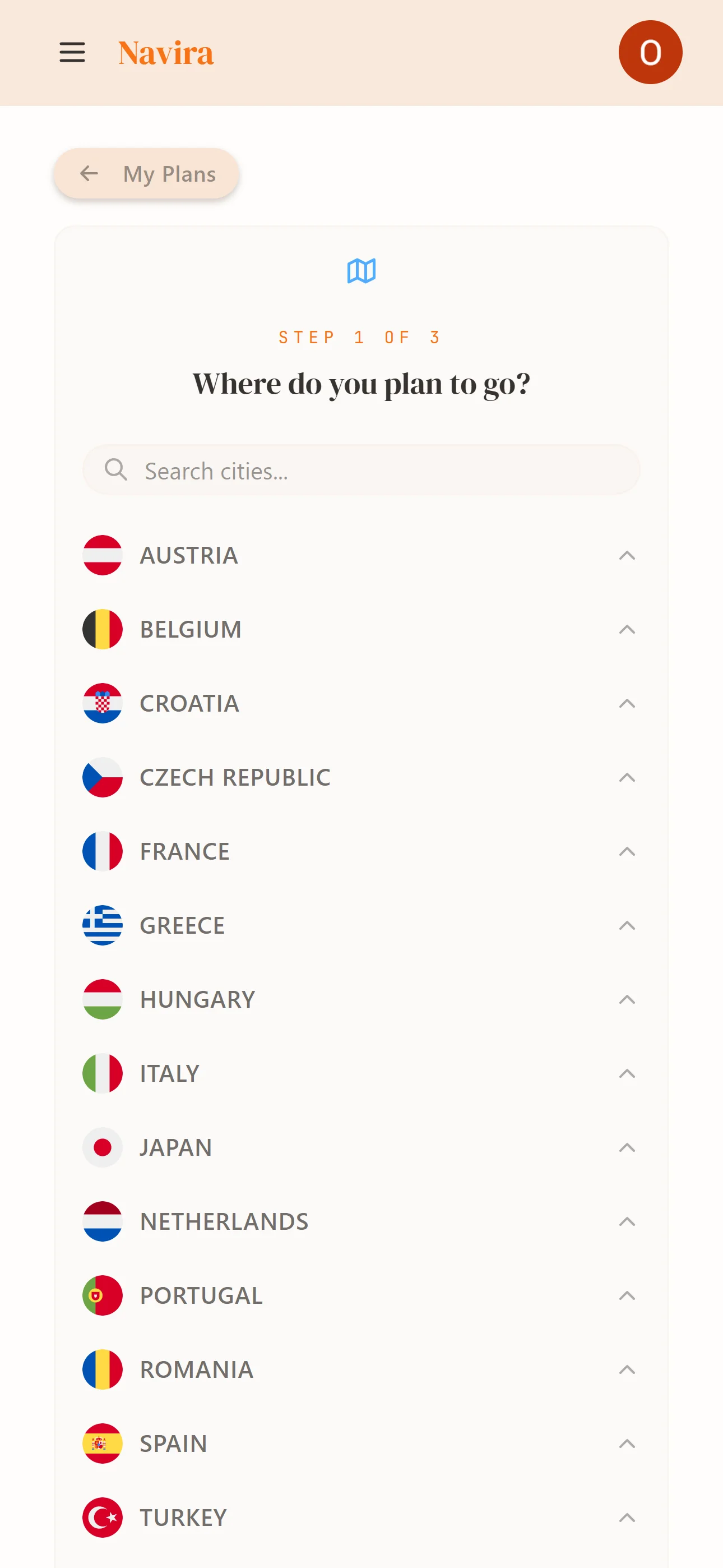
Step 1
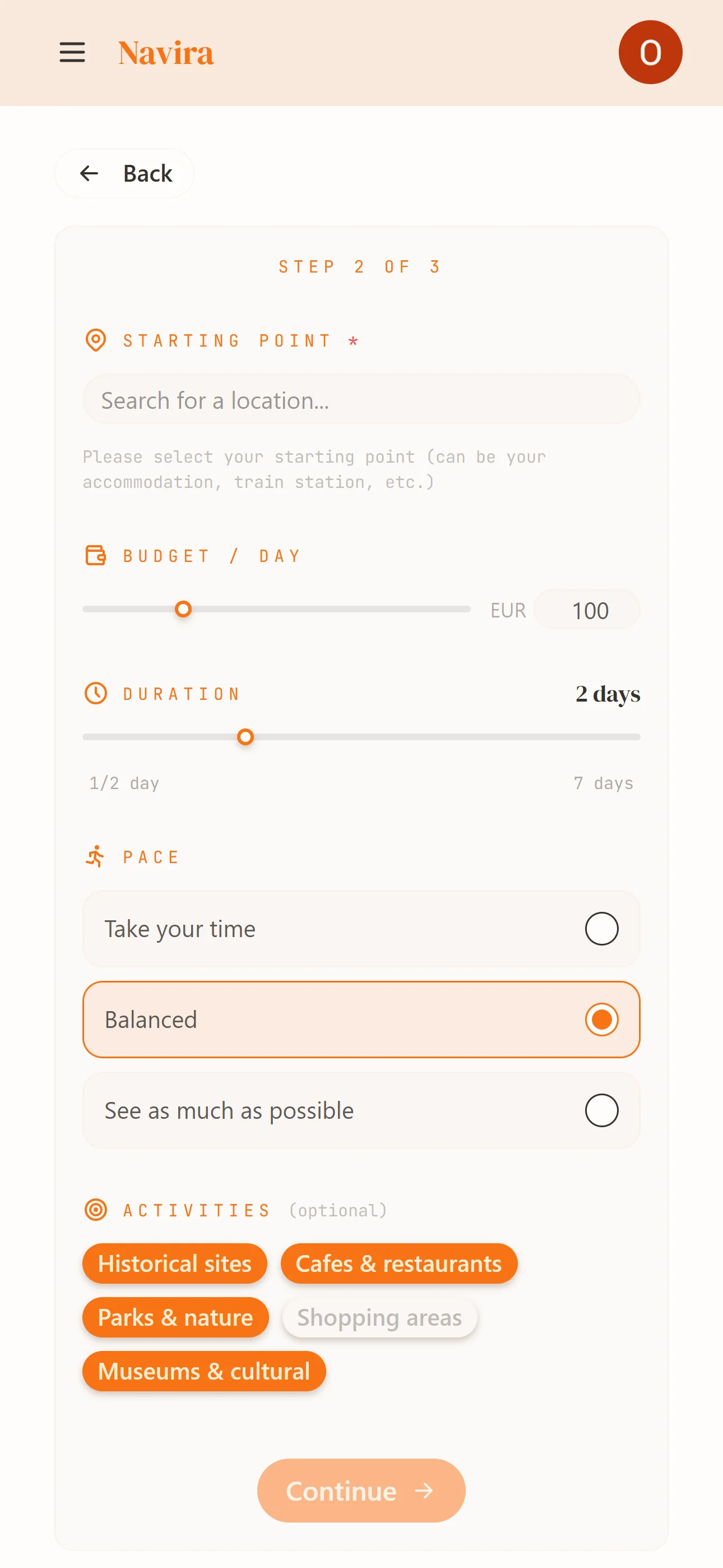
Step 2
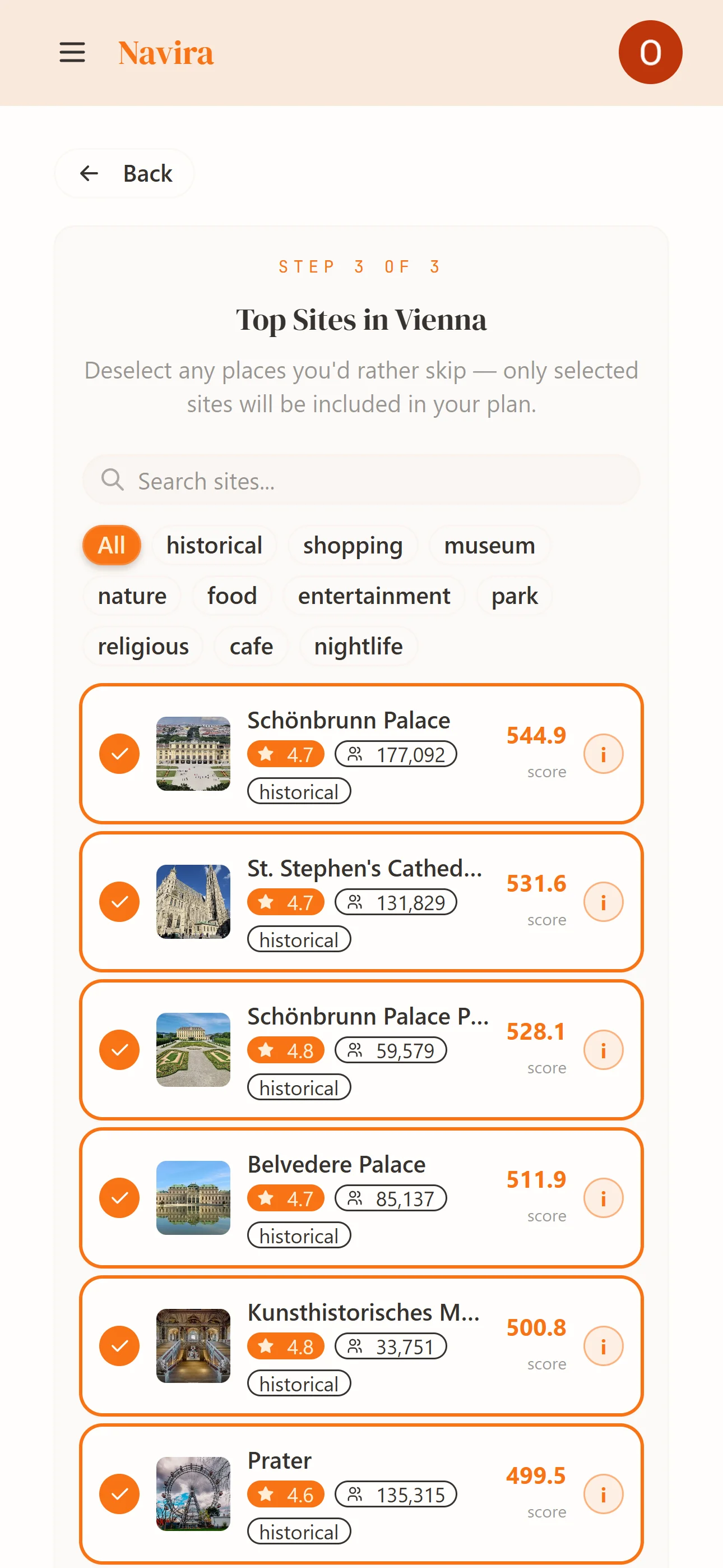
Step 3
Your itinerary includes
Every detail, planned
Arrival and departure times for every stop, calculated from walking distance and visit duration
Minutes between each stop, calculated from actual walking routes
Per-stop admission costs in EUR, keeping your total under budget
Only sends you somewhere when it's actually open
Each day gets its own color — terracotta, teal, forest green, purple, orange
One tap to open your entire day's route with all waypoints in Google Maps